Five-photo demo of the client view
See what your client sees
What your client gets from one shoots.page link, shown with five demo photos: a thumbnail grid (60 photos per page), 2000 px previews and the downloads you allow, originals or a ZIP. Your client needs no account, no app and no sign-up.
Last updated
The demo set
Five photos, the way a finished portrait set lands in a gallery.
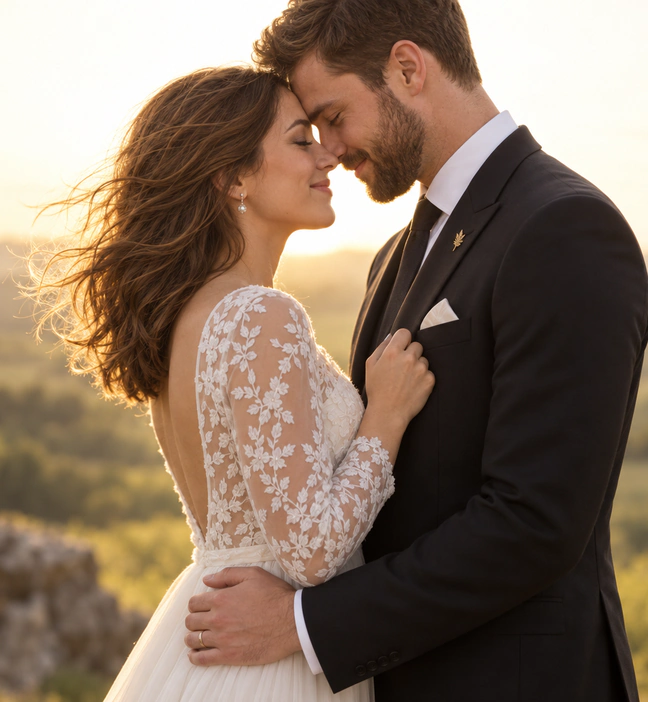

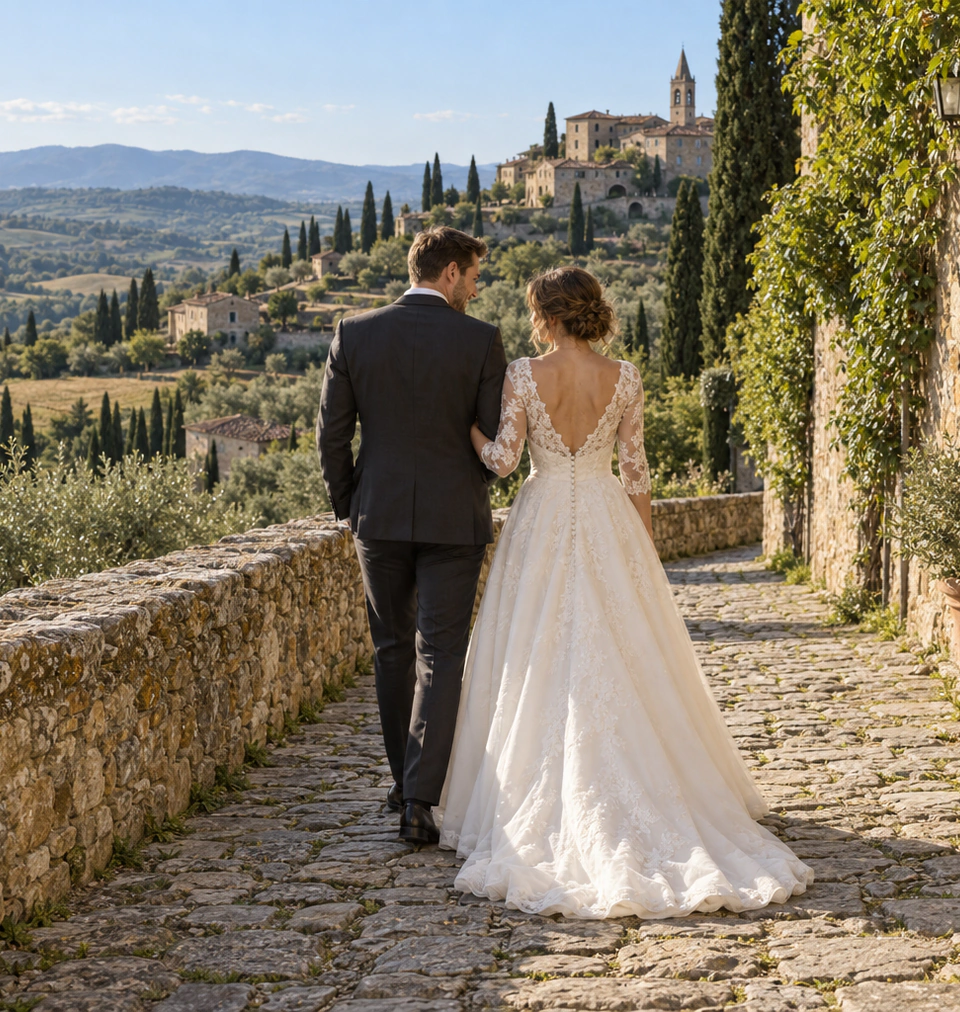
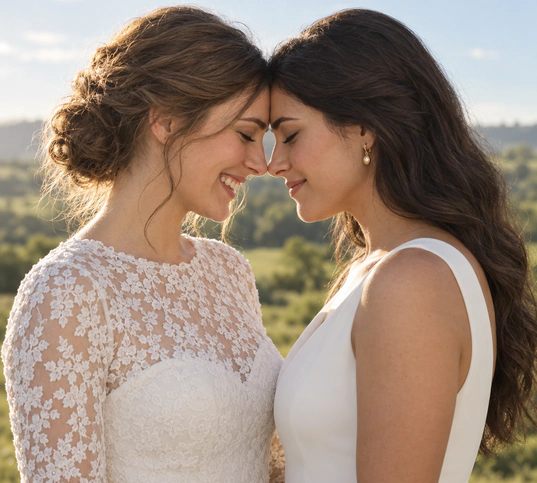

What your client does with the link
Your client opens the gallery link (https://shoots.page/g/<slug>) straight in the browser. If you set a password, they enter it first; then they see your studio name, the gallery title and a thumbnail grid.
Opening a photo brings up the full viewer with a 2000 px preview: large enough to judge sharpness and crop, small enough to load quickly on a phone.
You decide how they download. With Allow original downloads on, they can save single originals or all originals as one ZIP; with Allow JPEG downloads on, single 2000 px JPEGs or a JPEG ZIP. Originals arrive byte-for-byte, exactly the files you uploaded; RAW files arrive as full-size JPEGs unless you also allow RAW downloads.
What the photographer controls
- Gallery title and cover photo
- Optional password and expiry date
- Which downloads are on: originals, 2000 px JPEGs or both, each with its ZIP
- Proofing for client selects, if the job needs it
- Revoke the link or delete the gallery at any time
Who can open a gallery link
Gallery links are unlisted: they are sent with a noindex header and left out of the sitemap, so they do not show up in search results. Anyone who has the link can open it.
For sensitive work, add a password (8 to 256 characters) so the link alone is not enough. And if the set should only be online for a while, set an expiry date; the photos stay in your account after it passes.
Send your next set like this
Pick a finished set and see your own gallery from the client's side in a few minutes.