Six highlights, same night, one link
The same-night sneak peek
Send a handful of finished highlights on one shoots.page link the night of the wedding, and the full gallery once the edit is done. This demo shows six: the couple opens them on a phone with no account or app, as 2000 px previews with the downloads you allow.
Last updated
The demo set
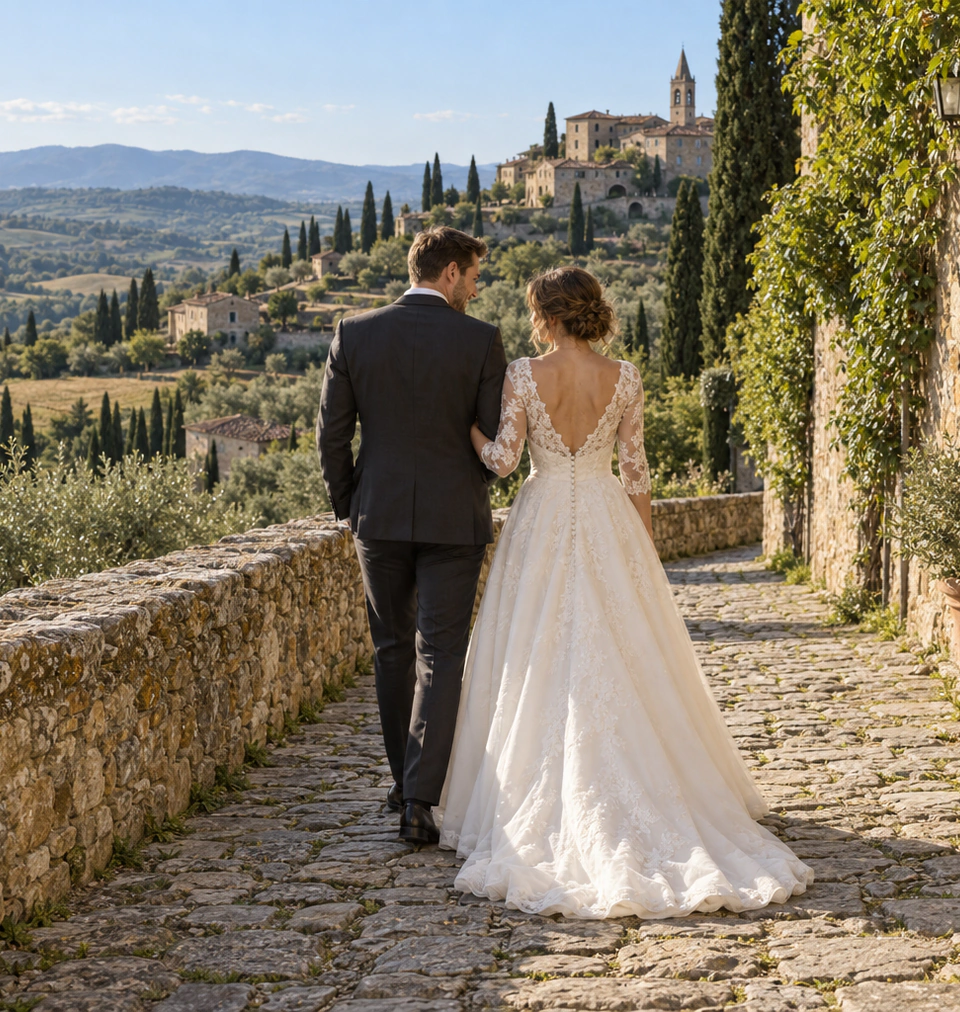
Six highlights, the shape of a same-night delivery.
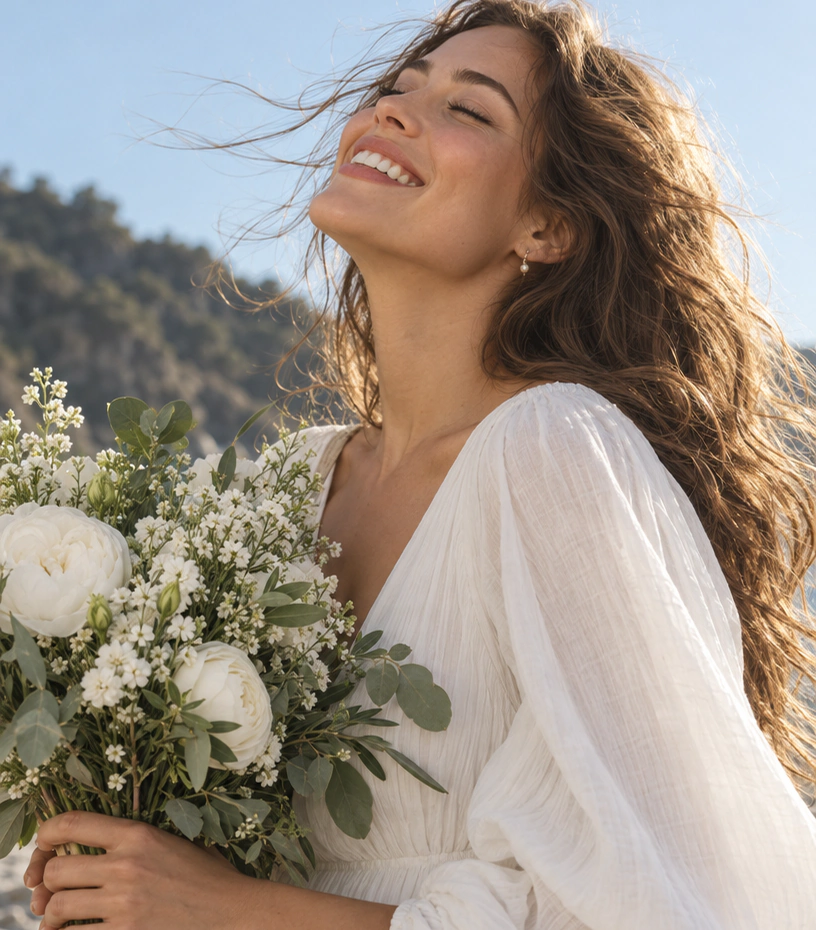
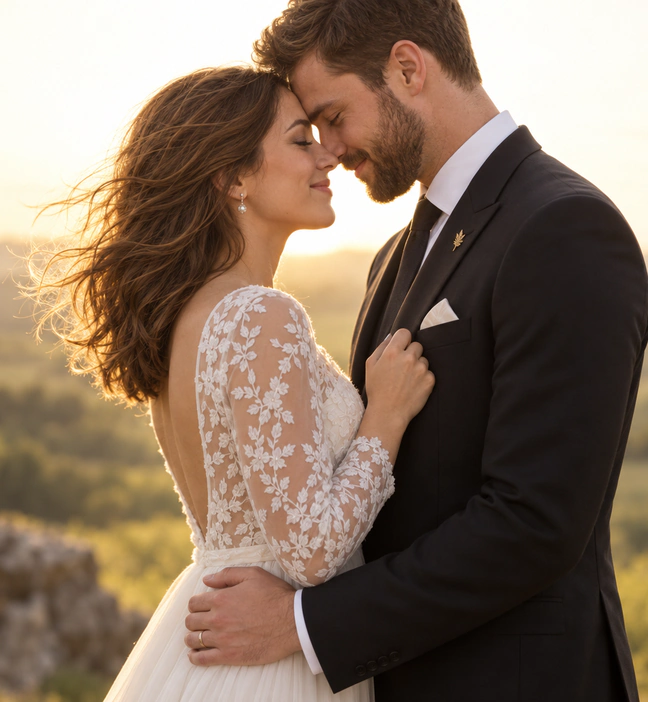
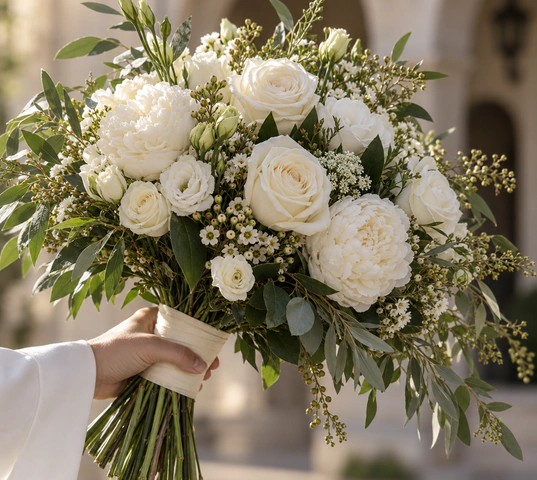

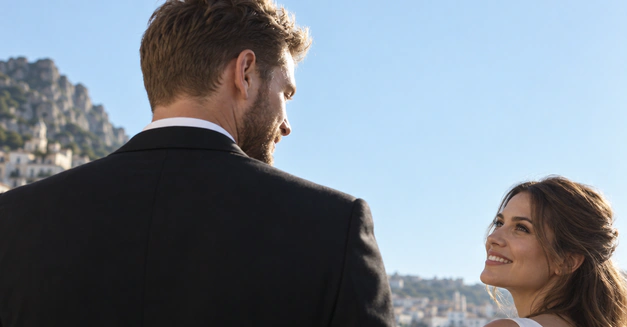
Why the sneak peek works
Couples wake up the next morning wanting to relive the day and share a portrait. A small set of edited highlights delivered that night or the next morning meets that urge while it is warm: a dozen strong frames beat making them wait weeks for anything at all.
The full gallery follows once the edit is done. The guide to delivering wedding sneak peeks covers frame selection, timing and expectation-setting in detail.
How it lands on the couple's phone
They receive one link, https://shoots.page/g/<slug>, that opens straight in the browser. No account, no app, no sign-up prompt. Your studio name and the gallery title sit on top; they tap through the thumbnail grid and open each photo in a full viewer with a 2000 px preview.
If you enabled downloads, they save individual originals or JPEGs, or pull the whole set as one ZIP; originals arrive byte-for-byte. And you keep control afterwards: from the app you can change the title or cover, toggle downloads, add a password, set an expiry, or revoke the link entirely.
A same-night workflow in four moves
- Cull and quick-edit a handful of highlights during dinner or after the day ends
- Upload just those to a fresh gallery and publish
- Send the couple the link before they sleep
- Add the full edit to a separate gallery when it is ready
Deliver your next wedding this way
Pick a few finished frames and see the couple's side of the link in minutes.